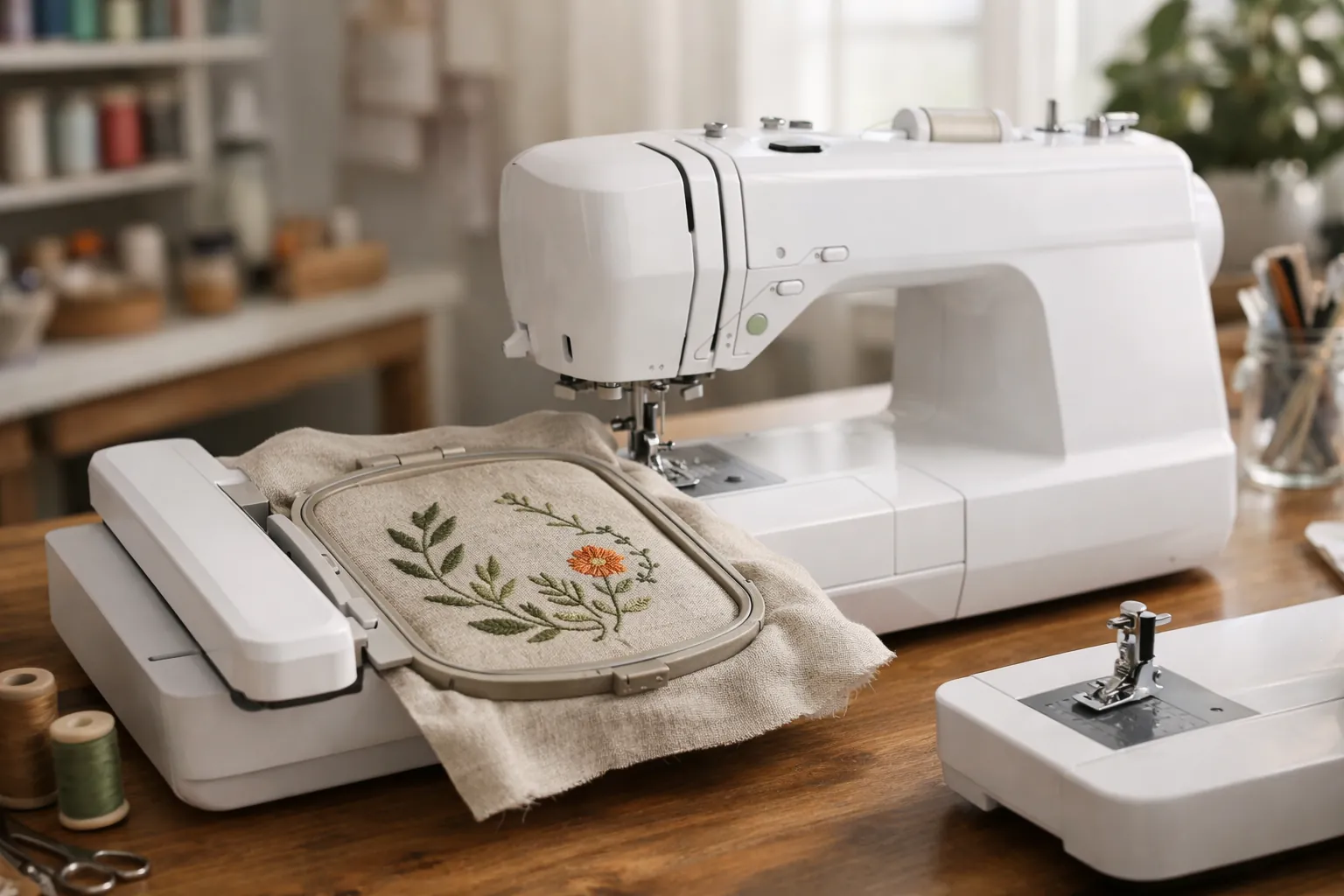
A sewing machine sews where you guide the fabric. An embroidery machine stitches a digital design on its own, moving a hooped piece of fabric on a motorized arm. A combo machine is a sewing machine with a detachable embroidery unit, so it does both, one at a time. If you don't own a sewing machine yet, a combo is usually the better buy; if you do, an embroidery-only machine costs less.
How they work differently
| Sewing machine | Embroidery machine | |
|---|---|---|
| Who moves the fabric | You, helped by the feed dogs | The machine, via a motorized arm holding the hoop |
| What it stitches | Seams, hems, buttonholes, decorative stitch rows | Digital designs: monograms, logos, motifs, lettering |
| Size limit | Any length of fabric | The hoop's embroidery area (4x4, 5x7, larger) |
| Main input | Your hands and the foot pedal | Design files (e.g. PES for Brother) and the touchscreen |
| Main consumables | Thread, needles | Embroidery thread, stabilizer, bobbin thread, needles |
Your three options
A combo machine
Combos like the Brother SE700 are full computerized sewing machines (the SE700 has 103 stitches) that accept an embroidery arm. Slide the arm on and the machine becomes an embroidery machine with a 4x4 field; take it off and you're sewing again. The Brother SE2000 does the same with 241 sewing stitches and a 5x7 field.
An embroidery-only machine
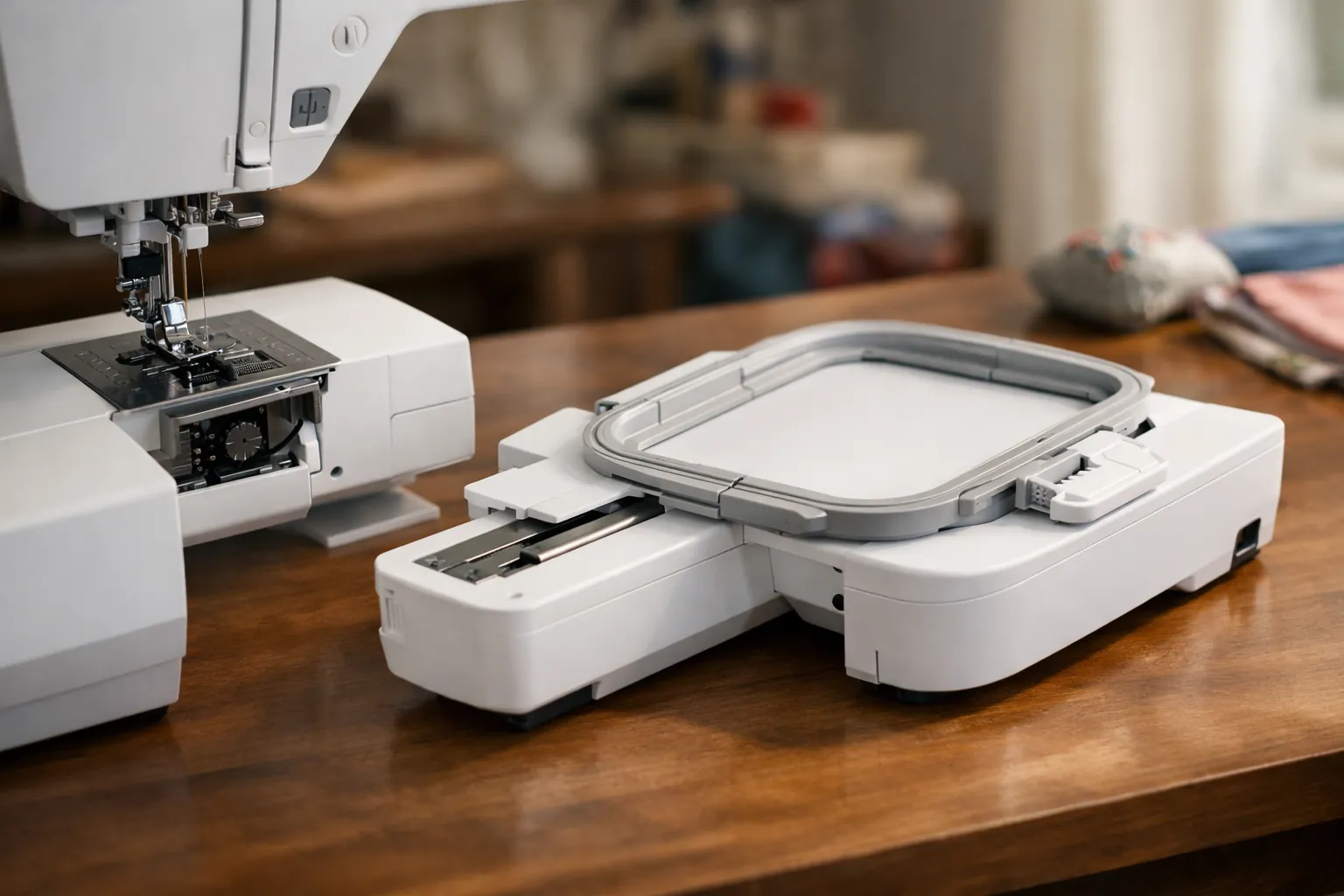
The Brother PE545 (4x4) and Brother PE900 (5x7) have the same kind of embroidery system as the combos, but no sewing functions: both listings state they don't work as traditional sewing machines. They cost less than the matching combos, and they can embroider while you sew on another machine.
A sewing machine (plus free-motion)
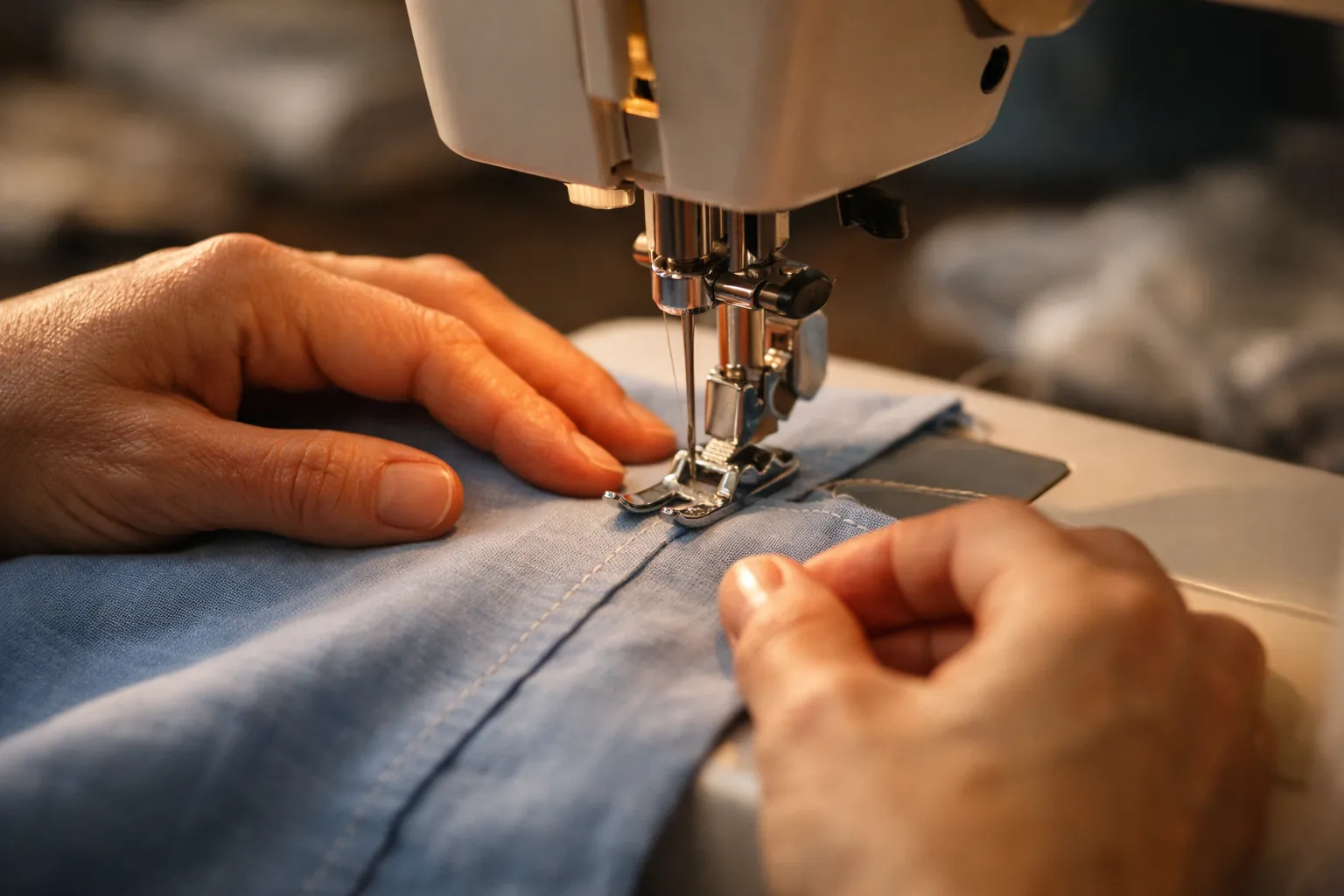
A regular sewing machine can do decorative stitch rows and free-motion embroidery, where you lower the feed dogs and move the fabric yourself like drawing with thread. It's a real craft, but it can't stitch a downloaded monogram or logo.
What each type can't do
Limits of a combo
- One job at a time. While a design stitches, which can take a long time on a dense design, you can't sew.
- Hoop size is fixed by the model. The SE700 tops out at 4x4 and the SE2000 at 5x7. You can't add a larger field later, only re-hoop for bigger designs.
- The embroidery unit needs space. With the arm attached, the machine is wider and needs clear room for the hoop to move behind and to the side.
Limits of an embroidery-only machine
It can't sew a seam, a hem or a buttonhole, so you'll still need a sewing machine for construction. Its advantage is that it can keep embroidering while you sew on another machine.
Limits of a sewing machine
It can't read design files, so names, logos and motifs have to be done by hand with free-motion embroidery or appliqué. Built-in lettering on some machines (the Singer 9960 lists a built-in lettering font, for example) sews simple names in a straight line, but that's not the same as a hooped, digitized monogram.
Free-motion embroidery on a sewing machine
If you'd like to try thread drawing before buying anything, most sewing machines can do it:
- Lower or cover the feed dogs (check your manual) and fit a darning or free-motion foot.
- Hoop the fabric with a stabilizer behind it, or use a stiff fabric.
- Set a straight stitch, run the machine at a steady medium speed, and move the hoop slowly to "draw".
It's a skill closer to sketching than to machine embroidery, and the results are one-of-a-kind. If what you want is repeatable monograms and logos, that's when an embroidery machine earns its place.
Combo or two machines?
| Your situation | Best choice | Why |
|---|---|---|
| No sewing machine yet, embroidery is a hobby | Combo | Cheaper and smaller than two machines |
| You own a sewing machine you like | Embroidery-only | No need to pay for a second sewing machine |
| You sew and embroider a lot in one project | Two machines | Sew the next piece while a design stitches |
| You plan to sell embroidered items | Embroidery-only (or multi-needle) | Long embroidery runs tie up a combo |
| Small space | Combo | One machine, one table |
Selling? See the best embroidery machine for a small business, where multi-needle machines come into play.
The combos people actually buy
| Combo | Embroidery area | Built-in designs | Sewing stitches | Wi-Fi |
|---|---|---|---|---|
| Brother SE700 | 4" x 4" | 135 | 103 | Yes |
| Brother SE2000 | 5" x 7" | 190+ | 241 | Yes |
| Brother SE1900 | 5" x 7" | 138 | 240 | Not listed |
From Brother's Amazon listings, October 3, 2026. The SE1900 is the older 5x7 combo; its listing showed a much lower sales rank, so check availability.
For the full beginner picks, including embroidery-only and large-hoop options, see the best embroidery machine for beginners. Deciding between the two most popular combos? Read SE600 vs SE700 and our SE2000 review.
Ongoing costs are different too
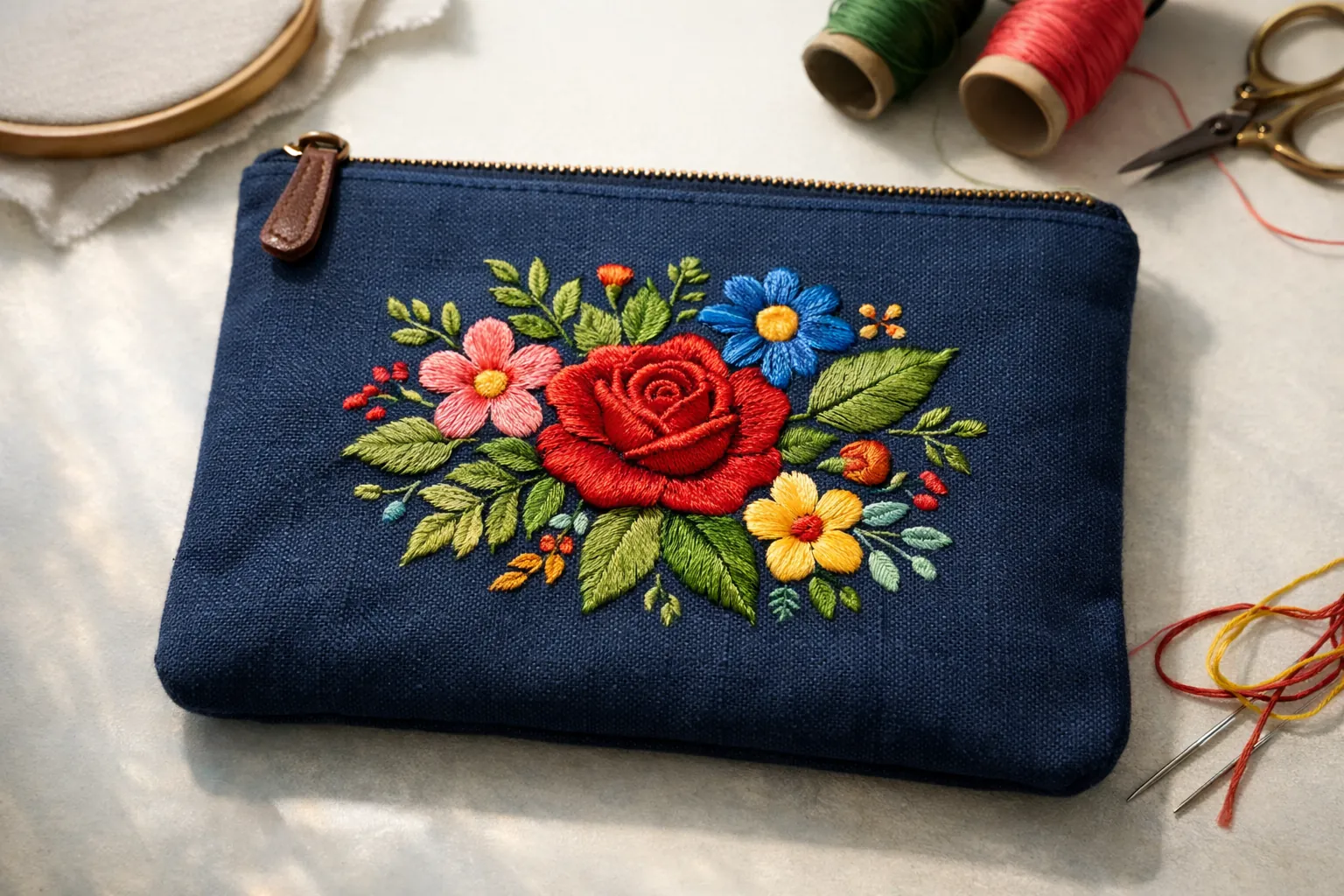
A sewing machine mostly consumes thread and needles. Embroidery adds stabilizer for every project, embroidery thread in many colors, bobbin thread, and design files if you buy them. None of it is expensive individually, but budget for a starter kit: a 40-color embroidery thread kit, tear-away and cut-away stabilizer, and prewound bobbins. Our stabilizer guide explains which to use.
The bottom line
If you want to personalize things with monograms, names and motifs, you need an embroidery machine; a sewing machine can't do it automatically. If you don't have a sewing machine yet, get a combo: the Brother SE700 for 4x4 or the Brother SE2000 for 5x7. If you already sew, add an embroidery-only PE545 or PE900 instead.
Specs come from each manufacturer's Amazon listing, checked October 3, 2026. Prices change often, so the links above show the current price on Amazon. How we research · Affiliate disclosure