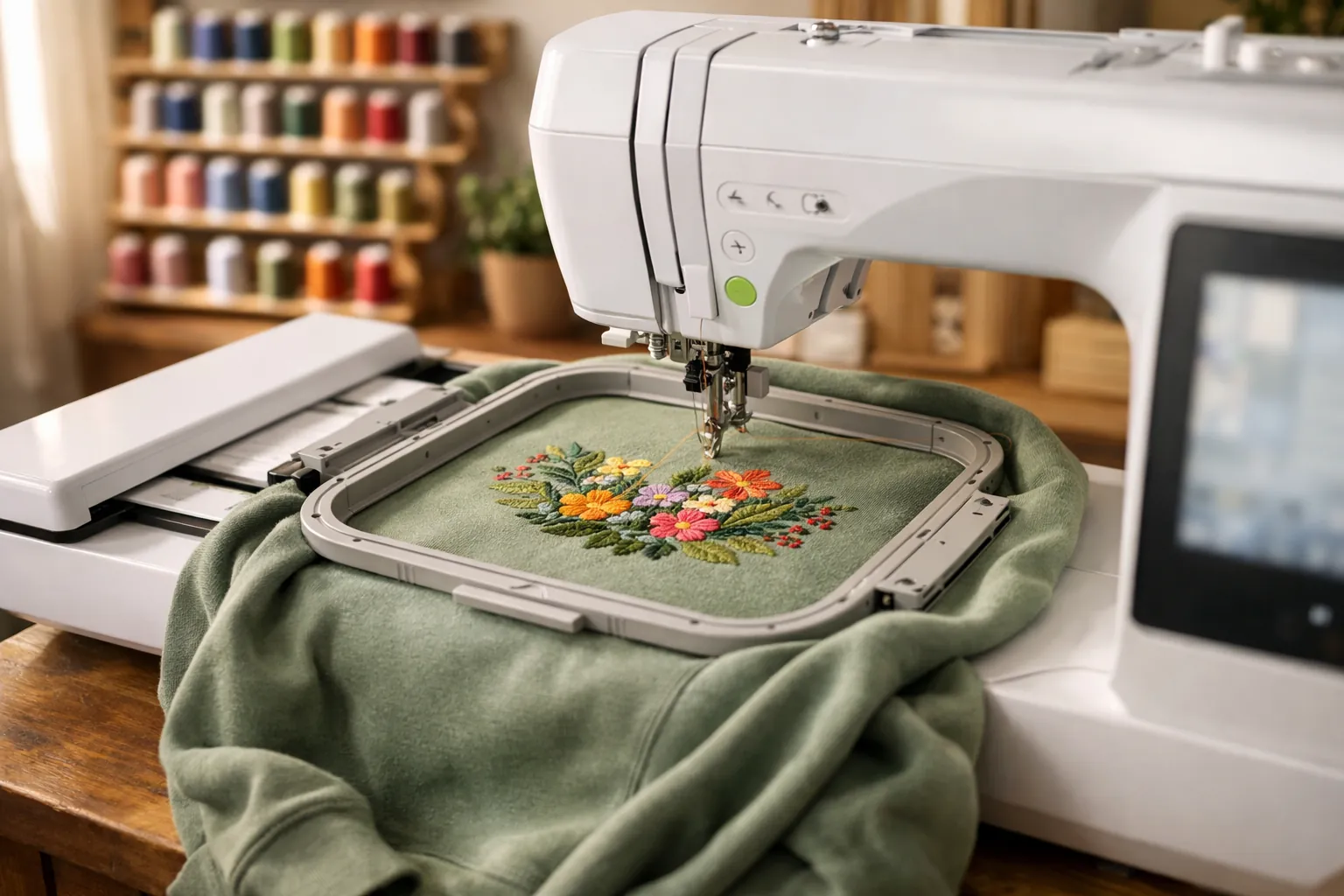
Verdict: if you already own a sewing machine, the Brother PE900 is the 5x7 home embroidery machine to buy. Its designs can be more than twice the size of a 4x4 machine's. It trims jump stitches on its own, reorders colors to cut thread changes, and takes designs over Wi-Fi. Two reasons to buy something else: no sewing machine at home (the SE2000 adds one) or only small projects (the PE545 costs much less).
At a glance
| Type | Embroidery only (doesn't sew) |
|---|---|
| Max embroidery area | 5" x 7" (hoop included) |
| Needle-to-arm space | 7.4" |
| Built-in designs | 193, plus 50 free via Artspira |
| Lettering fonts | 13 (9 English, 3 Japanese, 1 Cyrillic) |
| Screen | 3.7" color LCD touchscreen |
| On-screen editing | Letter editing, zoom, resize, rotate, reposition, combine |
| Time-savers | Advanced color sort, jump stitch trimming |
| Design transfer | Wi-Fi (Design Database Transfer, Artspira) + USB |
| Size and weight | 17" x 10" x 12", 21 lb |
| Amazon (Oct 3, 2026) | #3 in Embroidery Machines; 4.5 stars from nearly 300 ratings, 82% five-star |
From Brother's Amazon listing, checked October 3, 2026.
This is a spec review. We compared Brother's listings, Amazon rating data and competing models; we didn't stitch on the PE900. How we research.
Brother PE900
Brother's current 5x7 embroidery-only machine and the replacement for the discontinued PE800.
- Embroidery area5" x 7"
- Needle to arm7.4"
- Built-in designs193 (+50 via Artspira)
- Fonts13
- Screen3.7"
- TransferWi-Fi + USB
- Extrascolor sort, jump stitch trimming
Why it stands out
- 5x7 field covers shirts and totes, even quilt blocks
- Jump stitch trimming and color sort
- Wi-Fi transfer and Artspira
Think twice if
- You need a sewing machine too (see the SE2000)
- Your projects fit 4x4 (the PE545 costs less)
What's good
A 5x7 field with room around it
You get 35 square inches to work with, against 16 on a 4x4. That's the step from monograms and patches up to sweatshirt chests and tote fronts, with room for larger names and most quilt-block designs. Brother also lists 7.4 inches from needle to arm, which is the gap a bulky sweatshirt has to pass through while the design stitches.
Jump stitch trimming
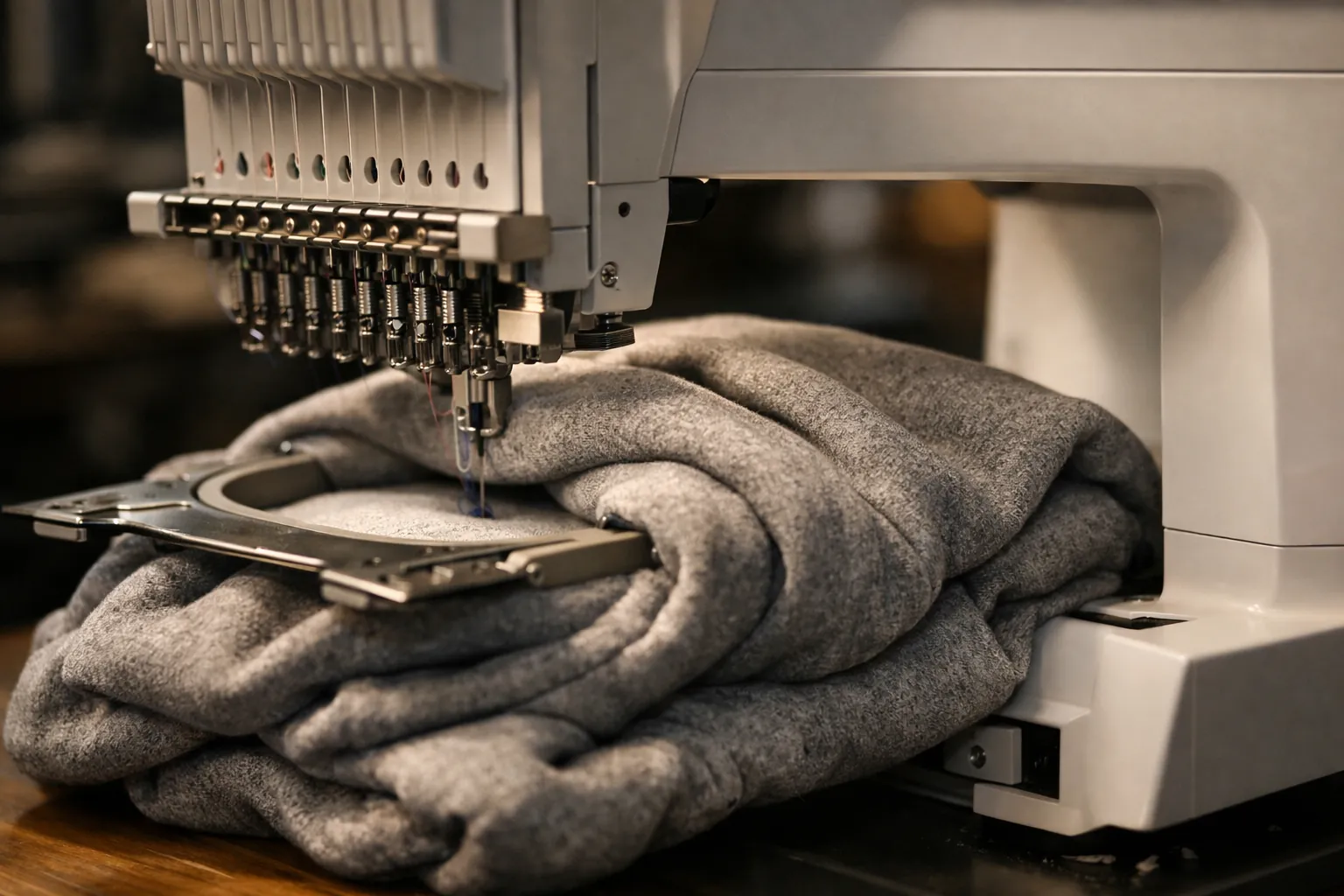
Entry machines leave a connecting "jump" thread whenever a design moves from one element to another in the same color, and you snip each one afterward. The PE900 trims them itself. On lettering, or any design with scattered elements, that removes the most tedious finishing job. Neither the 4x4 PE545 nor the old PE800 lists this feature.
Advanced color sort
Combine two designs that share colors and the PE900 reorders the stitching so each color runs once, instead of switching back and forth. You spend less time standing at the machine waiting to rethread.
Editing on a bigger screen
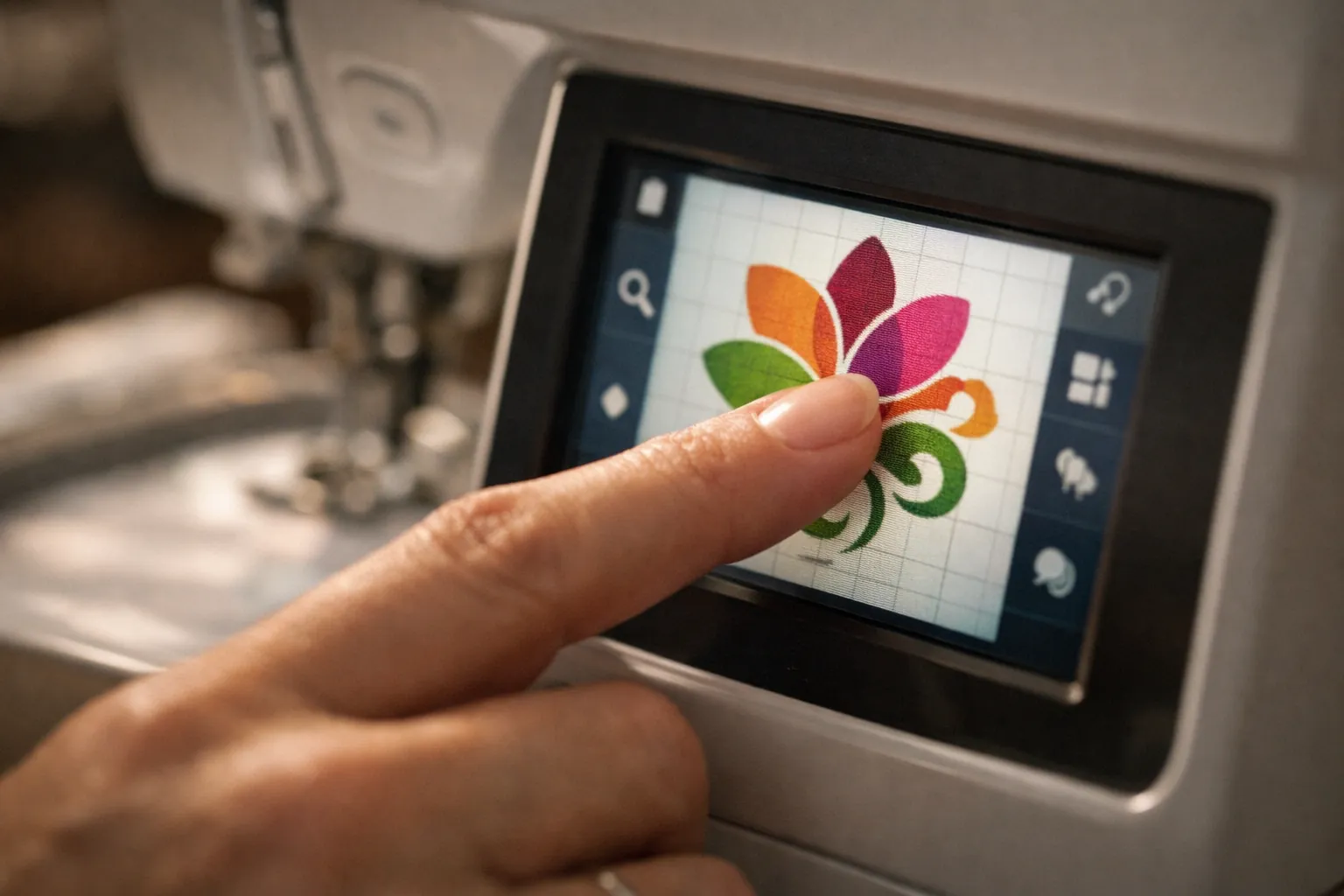
On the 3.7-inch touchscreen you can edit letters and zoom in. Designs can be resized and rotated, moved or combined. It's the same size as the SE2000's screen and noticeably bigger than the PE800's 3.2-inch panel.
Wireless transfer
Designs can come from your computer through Brother's free Design Database Transfer software, or from your phone through Artspira, where you can also create them (50 free designs are included). USB still works if you'd rather.
What to know before you buy
It doesn't sew. Brother's listing is explicit about that, so construction happens on a separate sewing machine.
The standard box has one hoop. Retailer bundles on Amazon add more (one bundle has 5x7, 4x4, 1x2.5 and 12x5 hoops plus 40 threads), or you can buy a hoop set separately.
Structured caps are out, as on every single-needle home machine, because it can't take a cap frame. See machines for hats and shirts if hats matter.
The ratings split was 82% five-star and 6% one-star on October 3, 2026, close to the SE2000's 86% and 6%.
What using it looks like
Every project is the same loop. Hoop the fabric with a stabilizer behind it (cut-away for knits, tear-away for wovens) and slide the hoop onto the embroidery arm. Pick a design on the touchscreen or send one over Wi-Fi. Position it, resize it or add lettering, then press start. At each color change the machine stops and shows which thread to load next. With color sort on, combined designs need fewer stops, and jump threads get trimmed as it goes.
For a first project, stitch a name in one of the 13 built-in fonts on a tea towel or tote. You'll learn hooping and centering, and practice thread changes, without buying a single design. After that, the built-in library has florals and scrollwork as well as quilt designs, and the Artspira app adds 50 free designs plus the option to draw your own.
Pairing it with a sewing machine
Most PE900 owners run it beside a sewing machine they already have, and that's a real advantage: the PE900 stitches a design while you sew the next piece of the project, which a combo machine can't do. Buying both at once? A dependable sewing machine such as the Brother CS5055 plus a PE900 gives you two machines working in parallel. Read embroidery machine vs sewing machine for the cases where a combo is the better buy.
Running costs
The machine is only the first purchase. You'll keep buying embroidery thread in a range of colors and stabilizer for every hooping, plus bobbin thread or prewound bobbins and embroidery needles, and designs over time. A 5x7 design uses more of everything than a 4x4 one. No single item is expensive. Get a starter kit up front (listed below) and switch to stabilizer on rolls once you embroider regularly.
PE900 vs the alternatives
| PE900 | PE800 | SE2000 | PE545 | Poolin EOC06 | |
|---|---|---|---|---|---|
| Max area | 5" x 7" | 5" x 7" | 5" x 7" | 4" x 4" | 11" x 7.9" |
| Sews? | No | No | Yes (241 stitches) | No | No |
| Built-in designs | 193 | 138 | 190+ | 135 | 200 |
| Screen | 3.7" | 3.2" | 3.7" | 3.7" | 7" |
| Wi-Fi | Yes | No | Yes | Yes | Yes |
| Jump trimming | Yes | Not listed | Yes | Not listed | Trims per color |
| Design format | Brother (PES) | Brother (PES) | Brother (PES) | Brother (PES) | DST, DSB |
| Status | Current | Discontinued | Current | Current | Current |
PE800 specs from Brother USA's product page; others from Amazon listings, October 3, 2026.
Against the PE800, the area is the same 5x7, but the PE900 adds Wi-Fi, a bigger screen, 55 more designs, plus color sort and jump stitch trimming. It's also the one still sold new. A used PE800 only makes sense if it's cheap and tested.
The SE2000 has identical embroidery and adds a sewing machine for a higher price. The PE545 is the 4x4 sibling, with the same Wi-Fi and screen, for small projects. And the Poolin EOC06 offers a far bigger area and screen, but it reads DST/DSB files and has a smaller owner community. Full side-by-side: PE535 vs PE545 vs PE800 vs PE900.
What it's best at
| Project | PE900 fit |
|---|---|
| Monograms, names, baby gifts | Excellent (13 fonts) |
| Left-chest and center-chest designs | Excellent |
| Tote bags, pillow fronts | Very good |
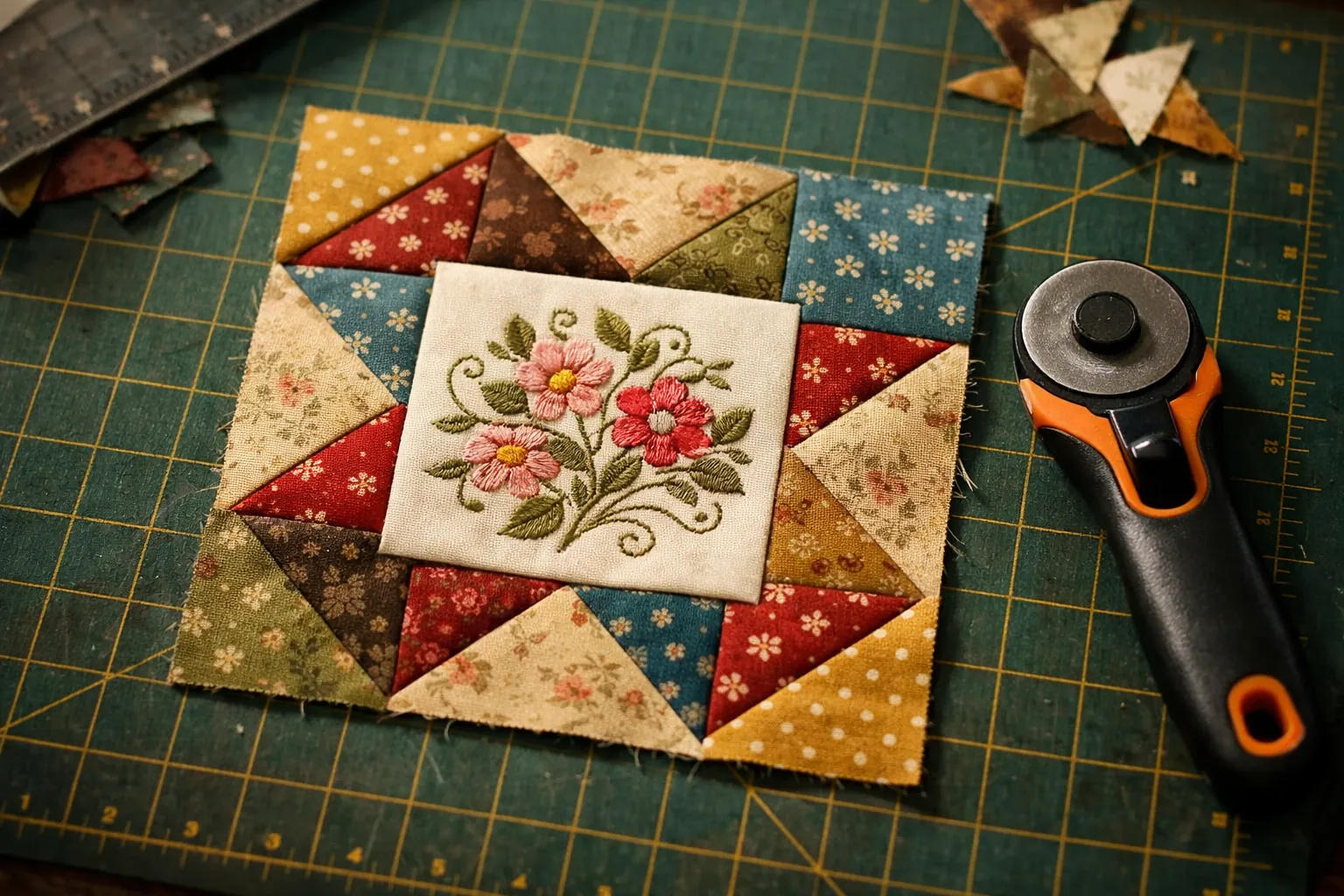
| Quilt-block embroidery | Very good |
| Jacket backs, large designs | Re-hoop or choose a 6x10+ machine |
| Structured caps | No |
| Small Etsy-style side business | Good start; see small business picks |
What to buy with it
- Sew Tech 4-hoop set (1x2.5, 4x4, 5x7, 5x12), which lists the PE900 as compatible. The small hoop suits small designs, and the 5x12 multi-position hoop does borders.
- Sew Tech 5x7 magnetic hoop (SA444), listing the PE900, for faster hooping on sweatshirts and towels.
- 40-color polyester embroidery thread kit and prewound bobbins.
- Tear-away and cut-away stabilizer; see our stabilizer guide.
- Schmetz embroidery needles, 75/11.
Should you buy it?
Yes, if a sewing machine already sits on your table and you want designs bigger than a monogram. The Brother PE900 has the 5x7 field, the two time-savers Brother keeps for its newer models, and a solid record on Amazon. No, if you want a single machine for sewing and embroidery: buy the SE2000 and read our SE2000 review first.
Specs come from Brother's Amazon listing and Brother USA (PE800), checked October 3, 2026. Prices change often, so the buttons above show the current price on Amazon. How we research · Affiliate disclosure